Settings
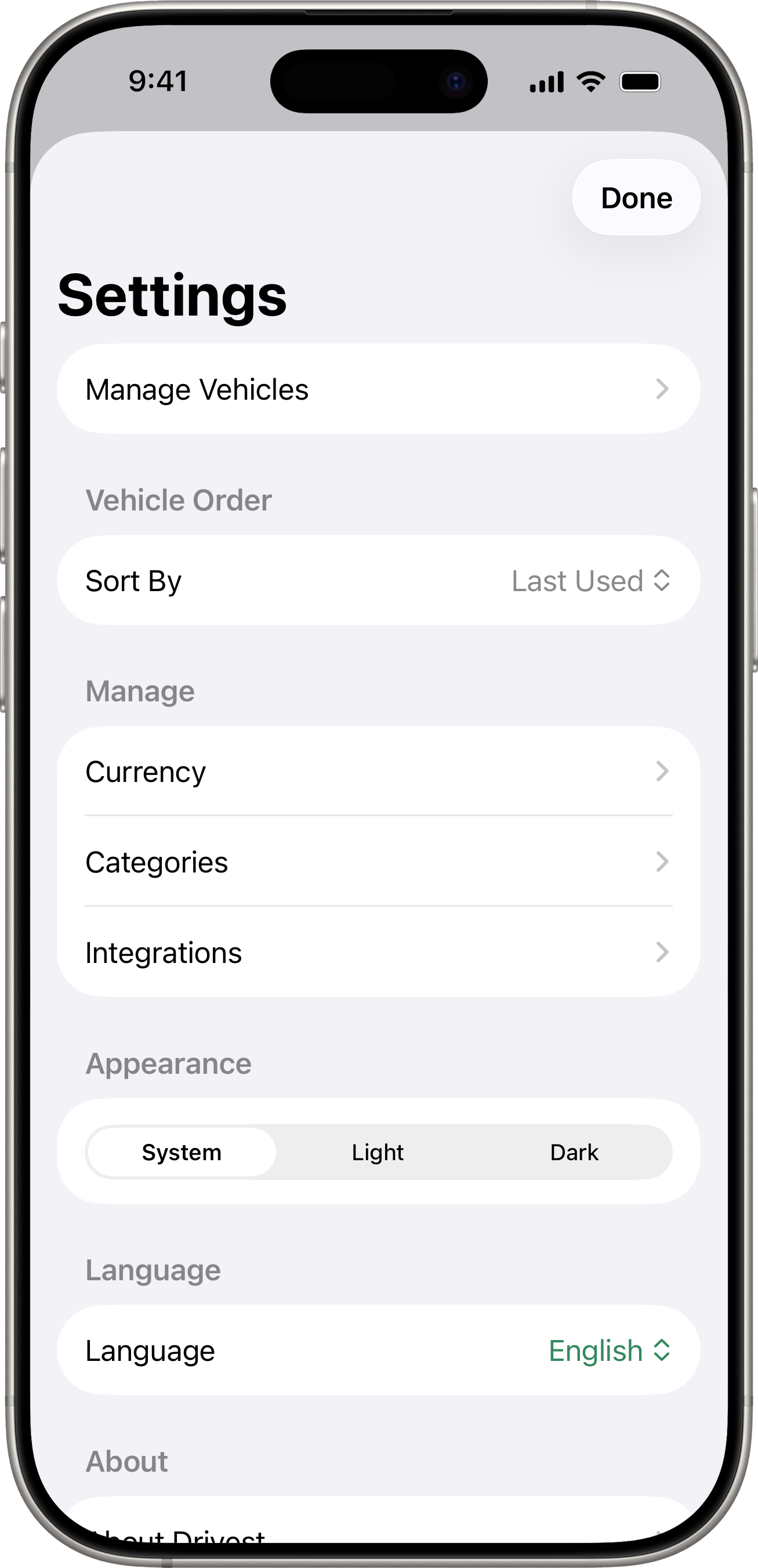
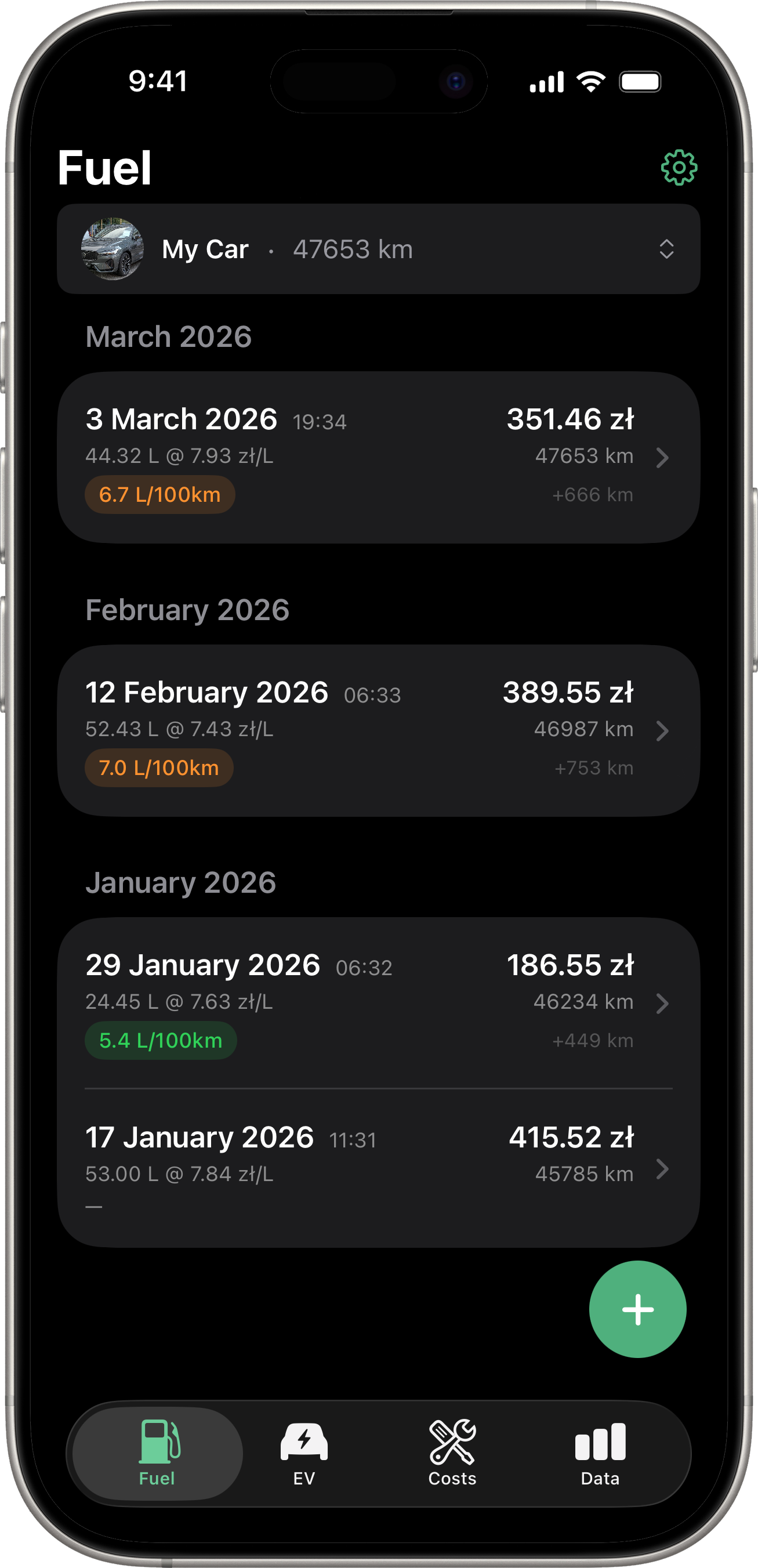
Access Settings by tapping the gear icon in the top-right corner of any tab.
Manage Vehicles
View, edit, and delete your vehicles. Tap a vehicle to see its details, edit its information, or export/import data.
Vehicle Order
Choose how vehicles are sorted in the vehicle picker:
- Last Used — most recently used vehicle appears first.
- Name — alphabetical order.
- Created — newest first.
- Custom — drag to arrange vehicles in your preferred order.
When Custom is selected, tap Edit Order to rearrange.
Currency
Configure your default currency and additional currencies. See Currency for details.
Categories
Manage the expense categories used in cost tracking. See Cost Tracking for details.
Integrations
Connect to supported vehicle manufacturers and Apple Shortcuts. See Connected Services for details.
Appearance
Choose between three theme options:
- System — follows your device’s Light/Dark Mode setting.
- Light — always light.
- Dark — always dark.
Language
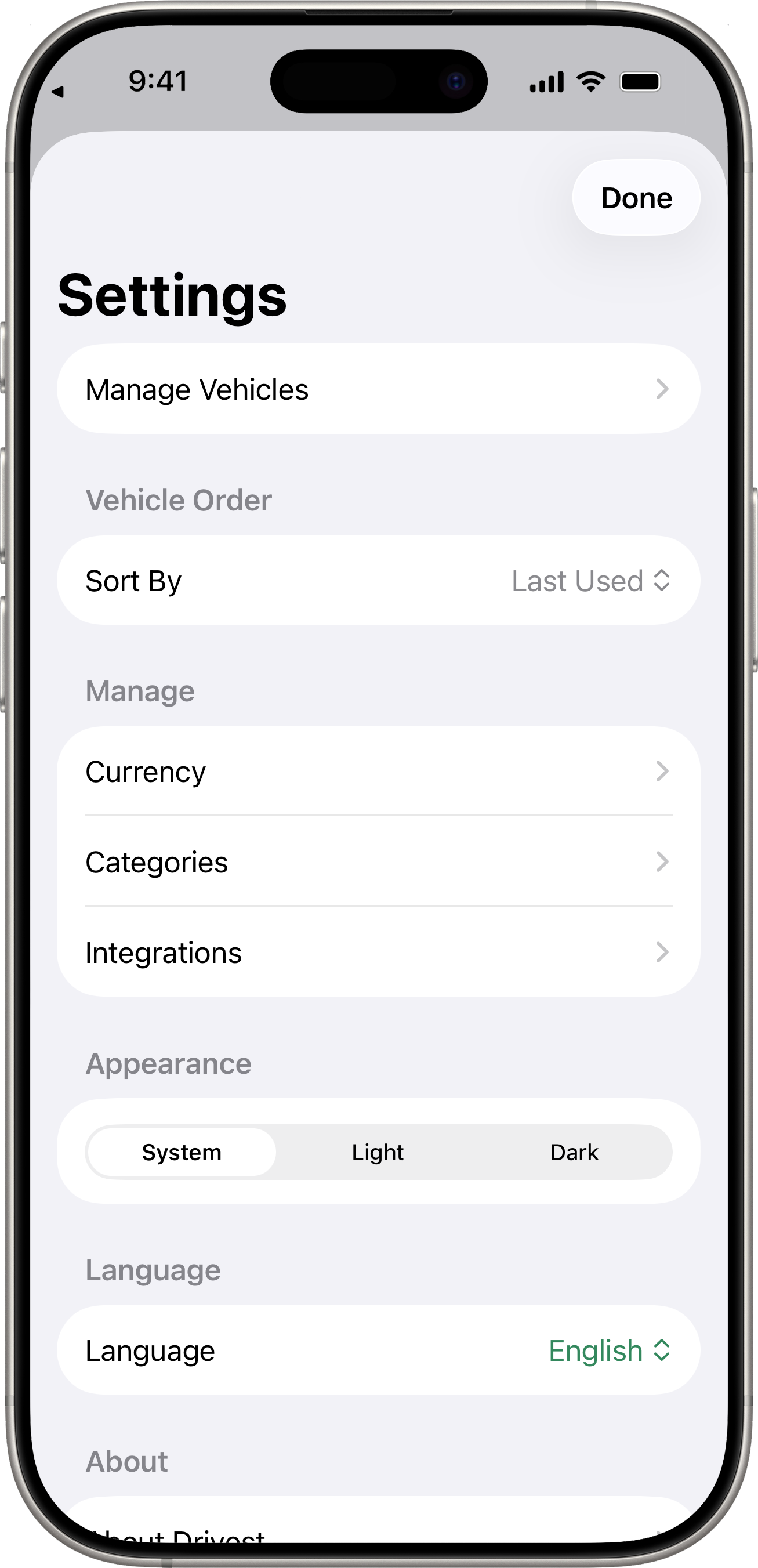
Drivest supports English and Polski (Polish). The app language follows your device language by default. To change it:
- Open Settings.
- Under Language, tap the picker and choose English or Polski.
- Drivest asks to restart to apply the new language — tap Restart to switch immediately, or Later to switch the next time you launch the app.
Your choice is remembered across launches independently of the device language.
About
View the app version, developer information, and links to:
- The Drivest website
- GitHub repository
- Privacy Policy
- MIT License